Bussenmin Button – public transport information with a small physical button
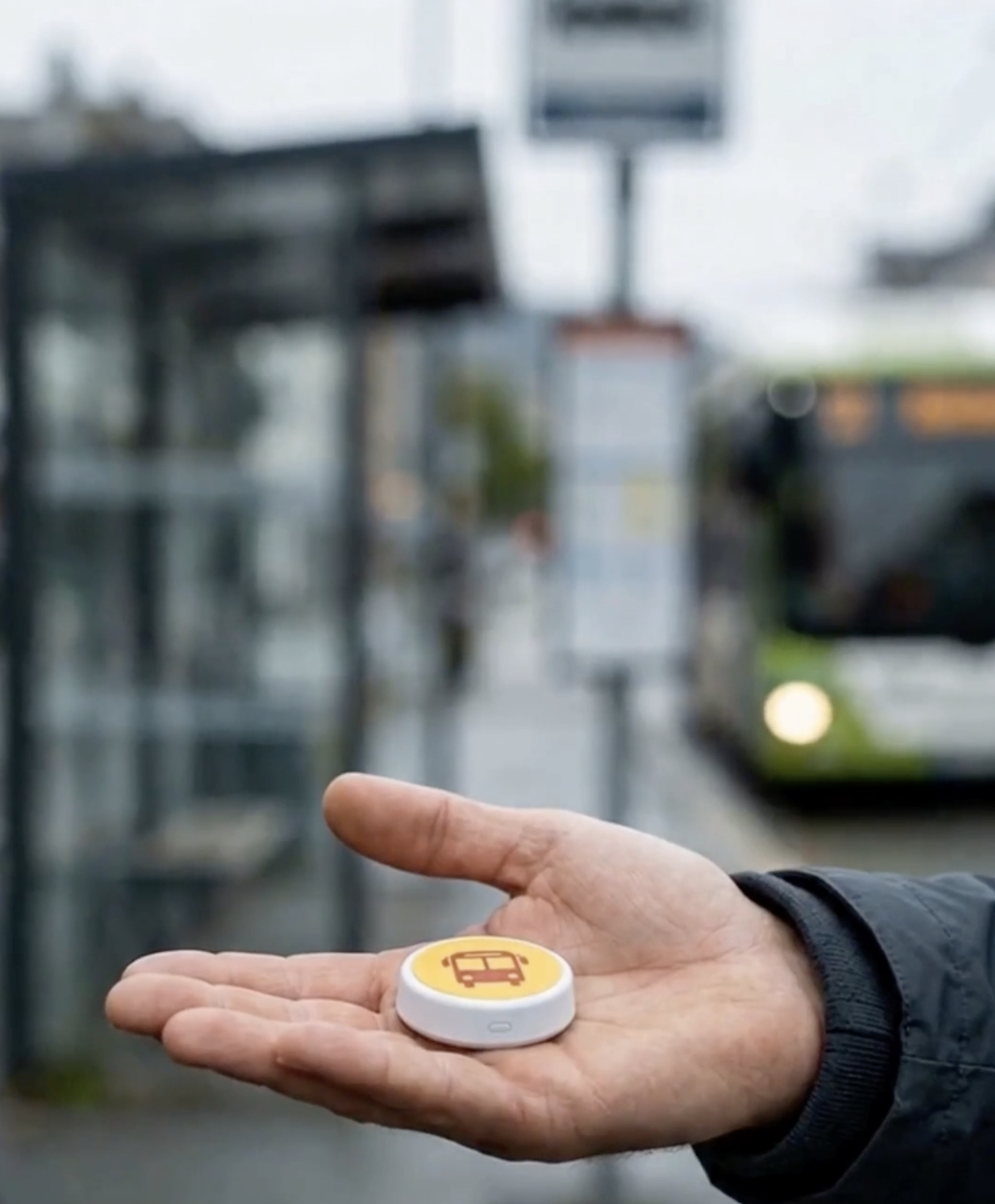
Bussenmin Accessibility combines the physical Bussenmin Button with a dedicated Screen reader mode for VoiceOver and TalkBack. It is designed to make public transport information easier to access for blind and low-vision passengers, with minimal need to navigate a visual phone interface.
The digital part
Bussenmin Screen reader mode
When Bussenmin detects VoiceOver or TalkBack, the app automatically presents a simplified, linear and text-oriented interface designed to be easier to navigate with a screen reader.
Read more in Help- Find nearby departures.
- Use Timetable in a screen-reader-oriented view.
- Plan and explore journeys.
- Select a departure or journey for the Bussenmin Button.
- Manage available accessibility settings and other relevant functions.
Two parts that complement each other
The Bussenmin Button and Screen reader mode can work together throughout a journey.
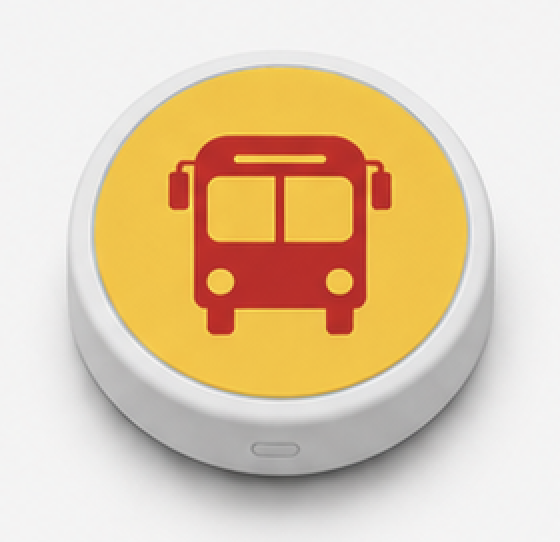
Bussenmin Button
For quick physical access to relevant information without navigating the phone screen.
Screen reader mode
For exploring departures, planning journeys, selecting a specific departure and managing relevant functions with VoiceOver or TalkBack.
An example
Throughout the journey
This is how the two parts can support a public transport journey from planning to arrival.
Before reaching the stop
Find nearby stops and relevant departure information.
When you know which bus to take
Select the departure or journey in Screen reader mode so the Button can focus on it.
At the stop
Receive information about the selected departure and approaching vehicle when reliable live data is available.
On board
Use the Button to hear the next stop and other relevant information during the journey.
An additional aid
Boarding and alighting signals where supported
When the required conditions are met, the passenger may receive a boarding signal to show on the phone. A Bussenmin driver associated with the correct vehicle may also receive information about where the passenger intends to board or get off.
This is an additional aid. A signal does not confirm that the driver has seen the information and does not guarantee that the vehicle will stop.
Developed with experience from the target group
Bussenmin Accessibility has been developed and improved through practical testing and feedback from blind and low-vision users. The solution continues to evolve.
Would you like to know more about Bussenmin Accessibility?
Read the detailed guidance in Help, or contact us about the Bussenmin Button and the accessibility solution.